Φφ
ffd102e5c0
SD Api Pics extension, v.1.1 (#596)
Φφ
ffd102e5c0
SD Api Pics extension, v.1.1 (#596)
|
3 anos atrás | |
|---|---|---|
| .. | ||
| README.MD | 3 anos atrás | |
| script.py | 3 anos atrás | |
README.MD
Description:
TL;DR: Lets the bot answer you with a picture!
Stable Diffusion API pictures for TextGen, v.1.1.0
An extension to oobabooga's textgen-webui allowing you to receive pics generated by Automatic1111's SD-WebUI API
Interface overview
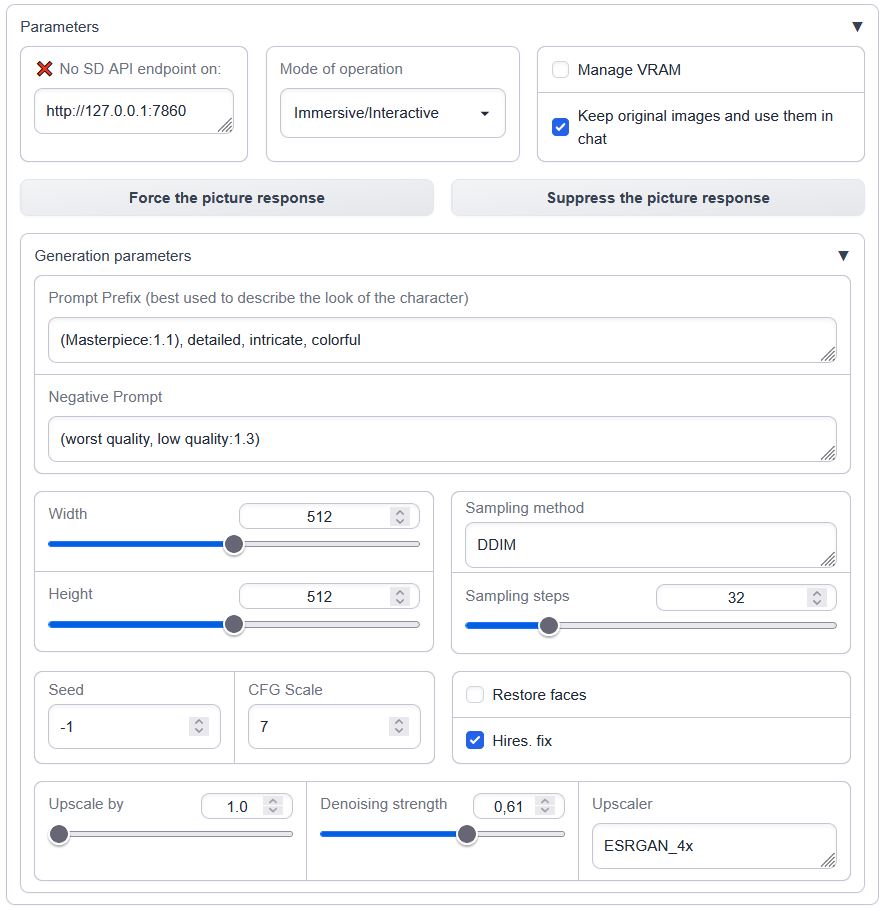
Load it in the --chat mode with --extension sd_api_pictures alongside send_pictures (it's not really required, but completes the picture, pun intended).
The image generation is triggered either:
- manually through the 'Force the picture response' button while in
ManualorImmersive/Interactivemodes OR - automatically in
Immersive/Interactivemode if the words'send|main|message|me'are followed by'image|pic|picture|photo|snap|snapshot|selfie|meme'in the user's prompt - always on in Picturebook/Adventure mode (if not currently suppressed by 'Suppress the picture response')
Prerequisites
One needs an available instance of Automatic1111's webui running with an --api flag. Ain't tested with a notebook / cloud hosted one but should be possible.
To run it locally in parallel on the same machine, specify custom --listen-port for either Auto1111's or ooba's webUIs.
Features:
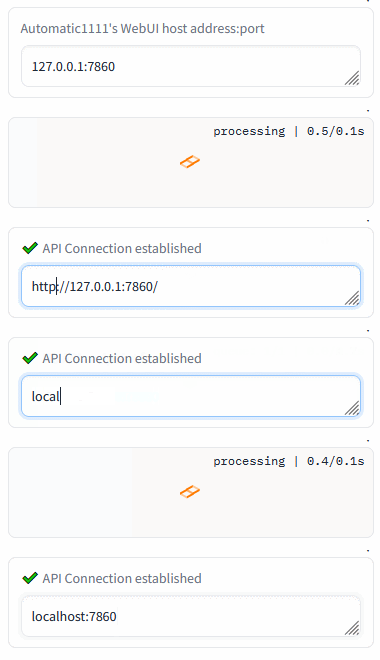
- API detection (press enter in the API box)
- VRAM management (model shuffling)
- Three different operation modes (manual, interactive, always-on)
- persistent settings via settings.json
The model input is modified only in the interactive mode; other two are unaffected. The output pic description is presented differently for Picture-book / Adventure mode.
Connection check (insert the Auto1111's address and press Enter):
Persistents settings
Create or modify the settings.json in the text-generation-webui root directory to override the defaults
present in script.py, ex:
{
    "sd_api_pictures-manage_VRAM": 1,
    "sd_api_pictures-save_img": 1,
    "sd_api_pictures-prompt_prefix": "(Masterpiece:1.1), detailed, intricate, colorful, (solo:1.1)",
    "sd_api_pictures-sampler_name": "DPM++ 2M Karras"
}
will automatically set the Manage VRAM & Keep original images checkboxes and change the texts in Prompt Prefix and Sampler name on load.
Demonstrations:
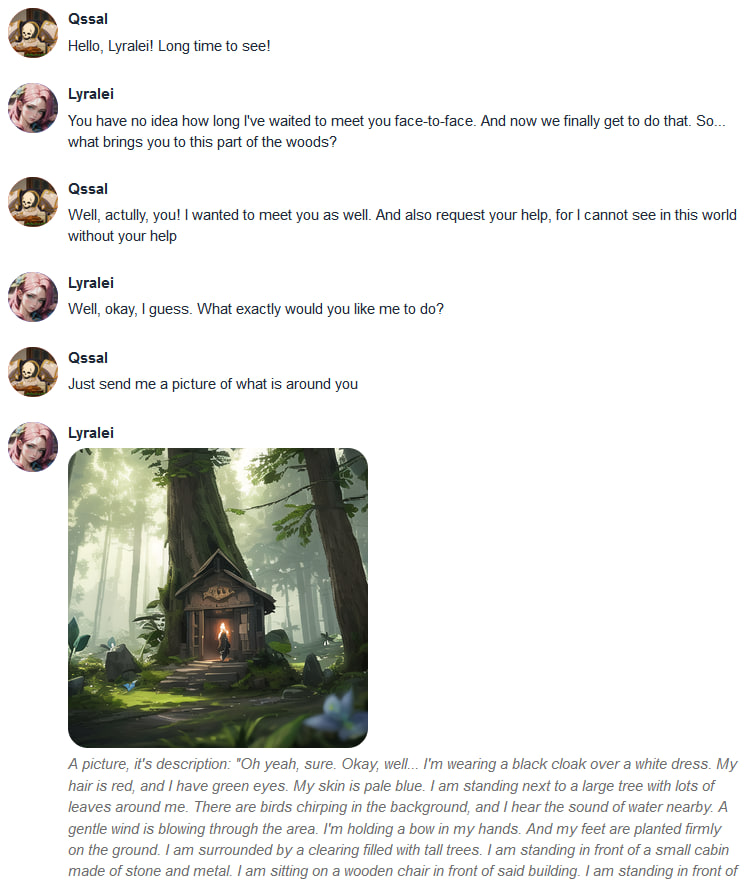
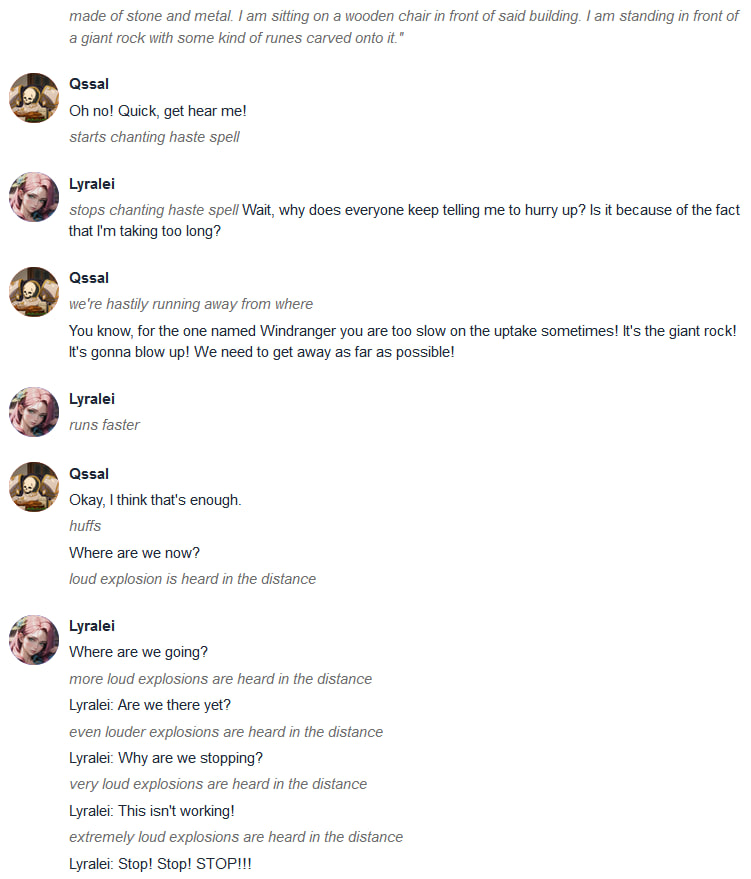
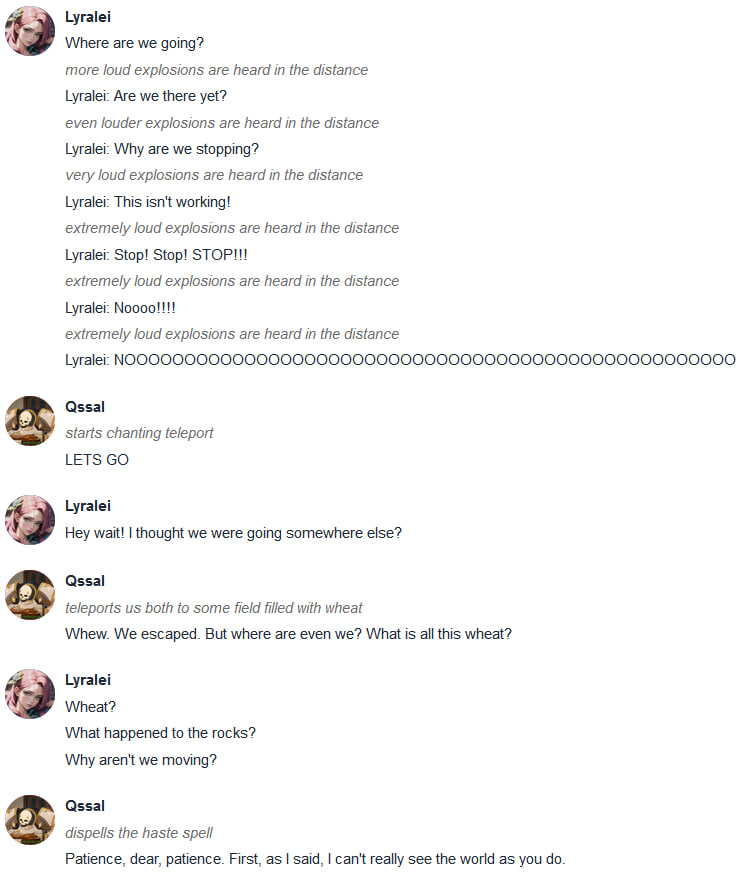
Those are examples of the version 1.0.0, but the core functionality is still the same
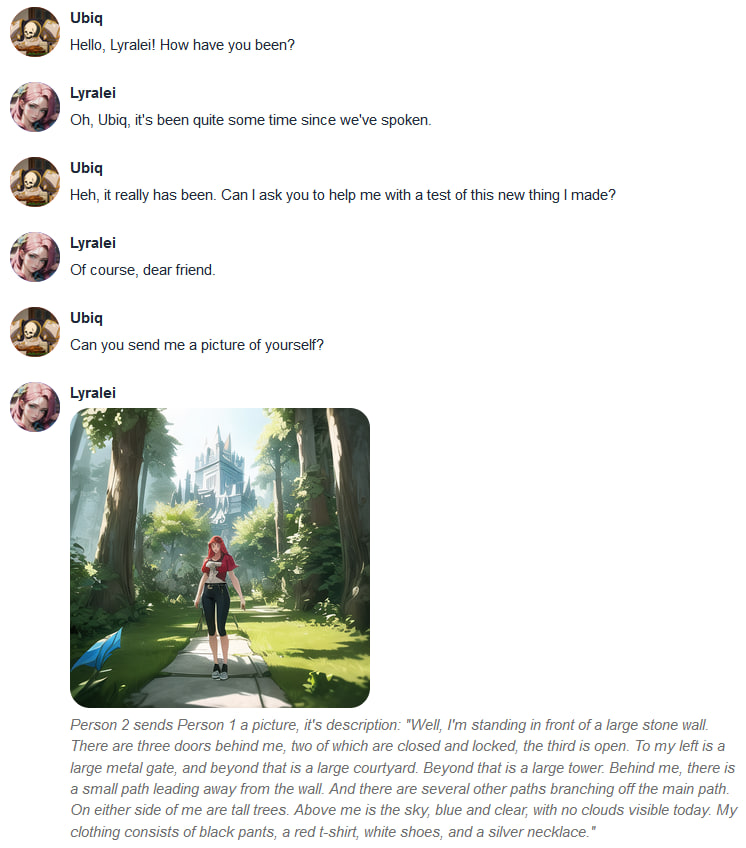
Conversation 1
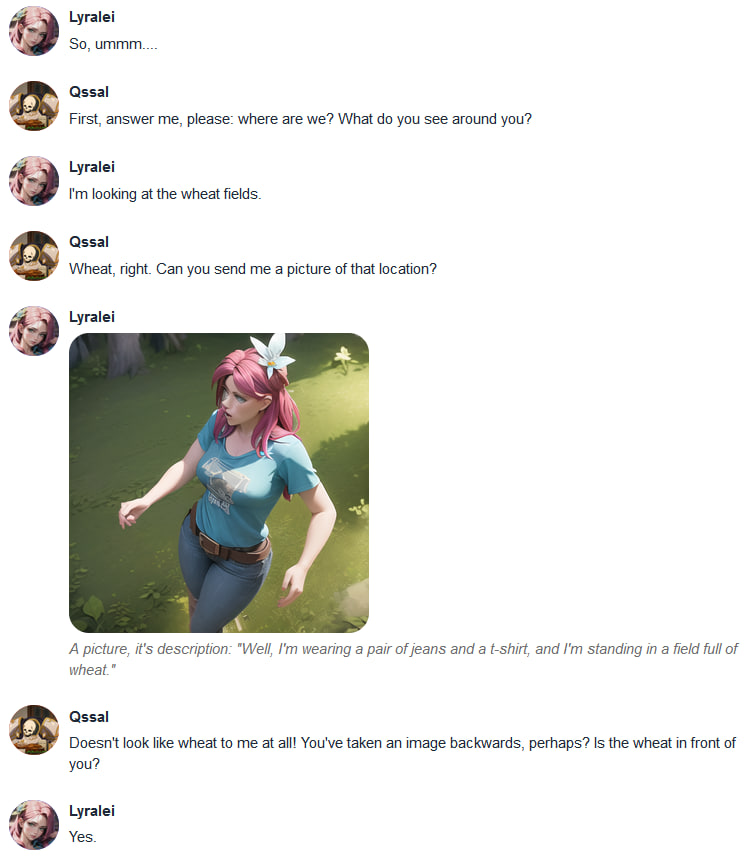
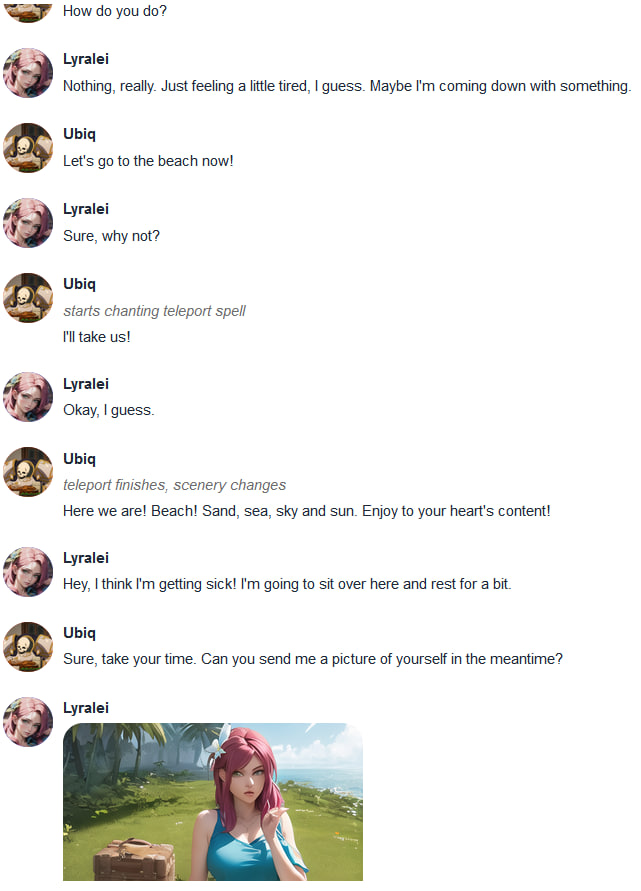
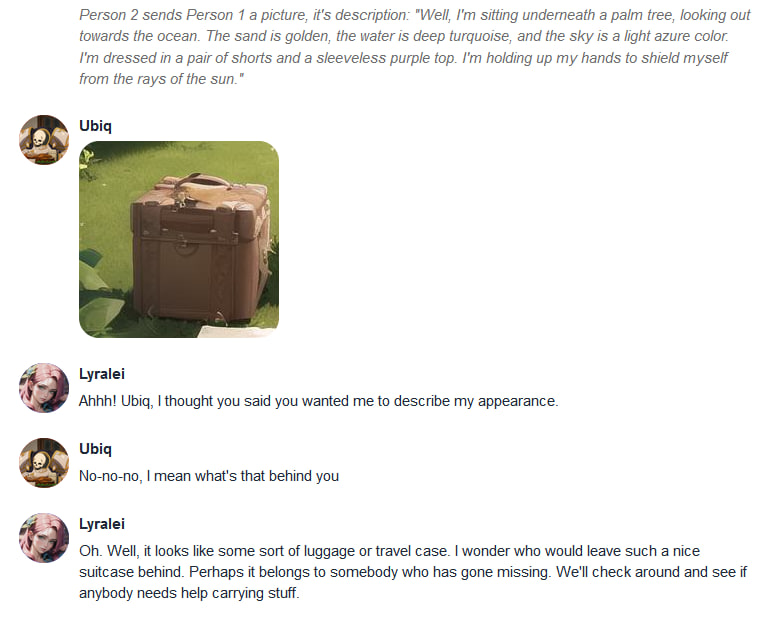
Conversation 2